Music ·
Ableton Live 13 enters public beta: Step Sequencer, Drum Synth and, at long last, ARA 2
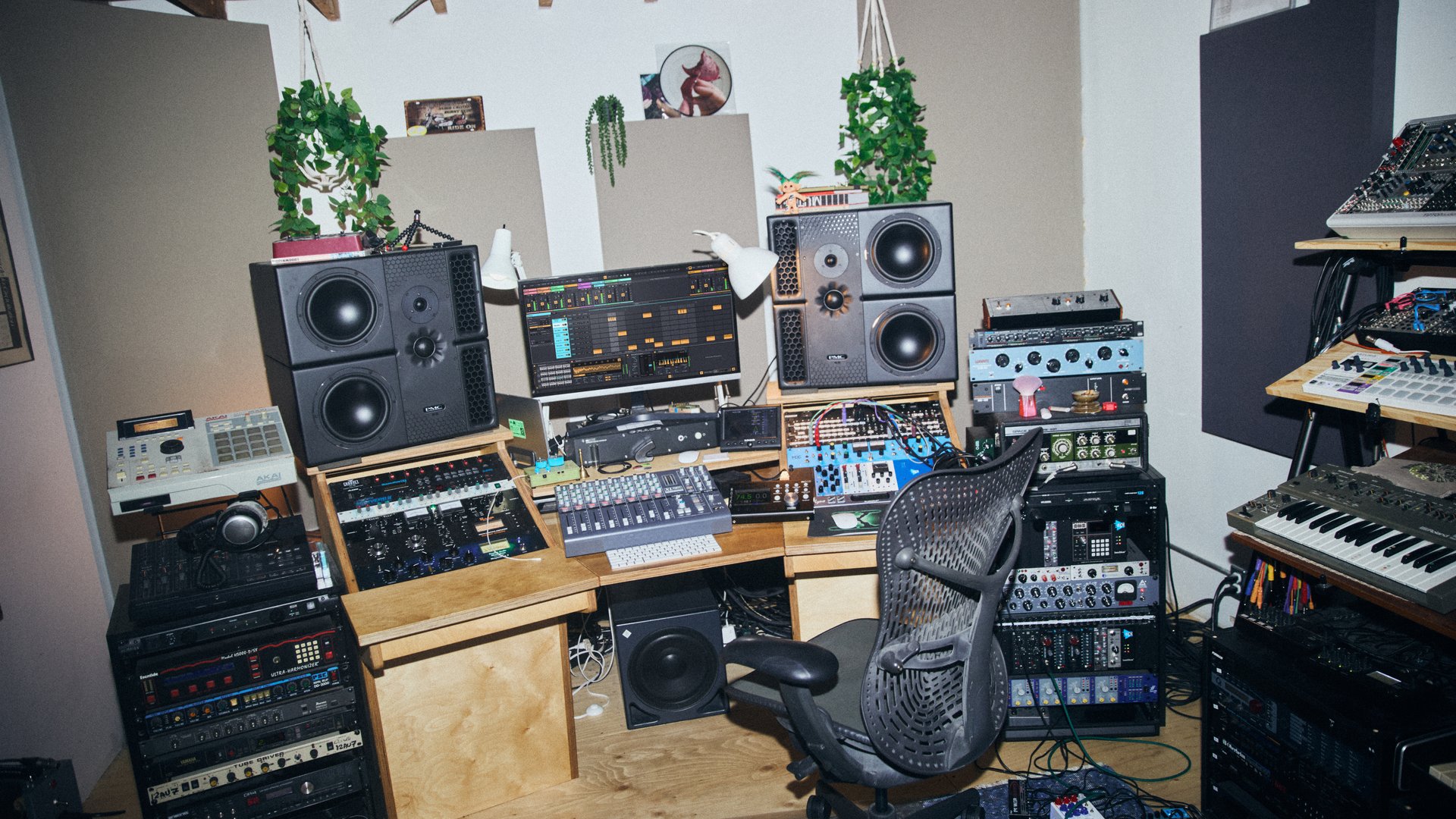
Ableton announced Live 13 on November 10, 2026, the next major version of its DAW, and opened a public beta the same day. The final release arrives "in early 2027," according to the company itself. It brings a built-in step sequencer, a new instrument for designing drums, support for ARA 2 plug-ins (Melodyne included in Suite), and an Ableton Link mode that also syncs the Arrangement position. For anyone producing techno, house, or anything that lives off groove, and for anyone playing live with several machines, it's one of the updates with the most practical consequences in years.
What it brings for production
The official list is long. Here's what changes your day-to-day the most:
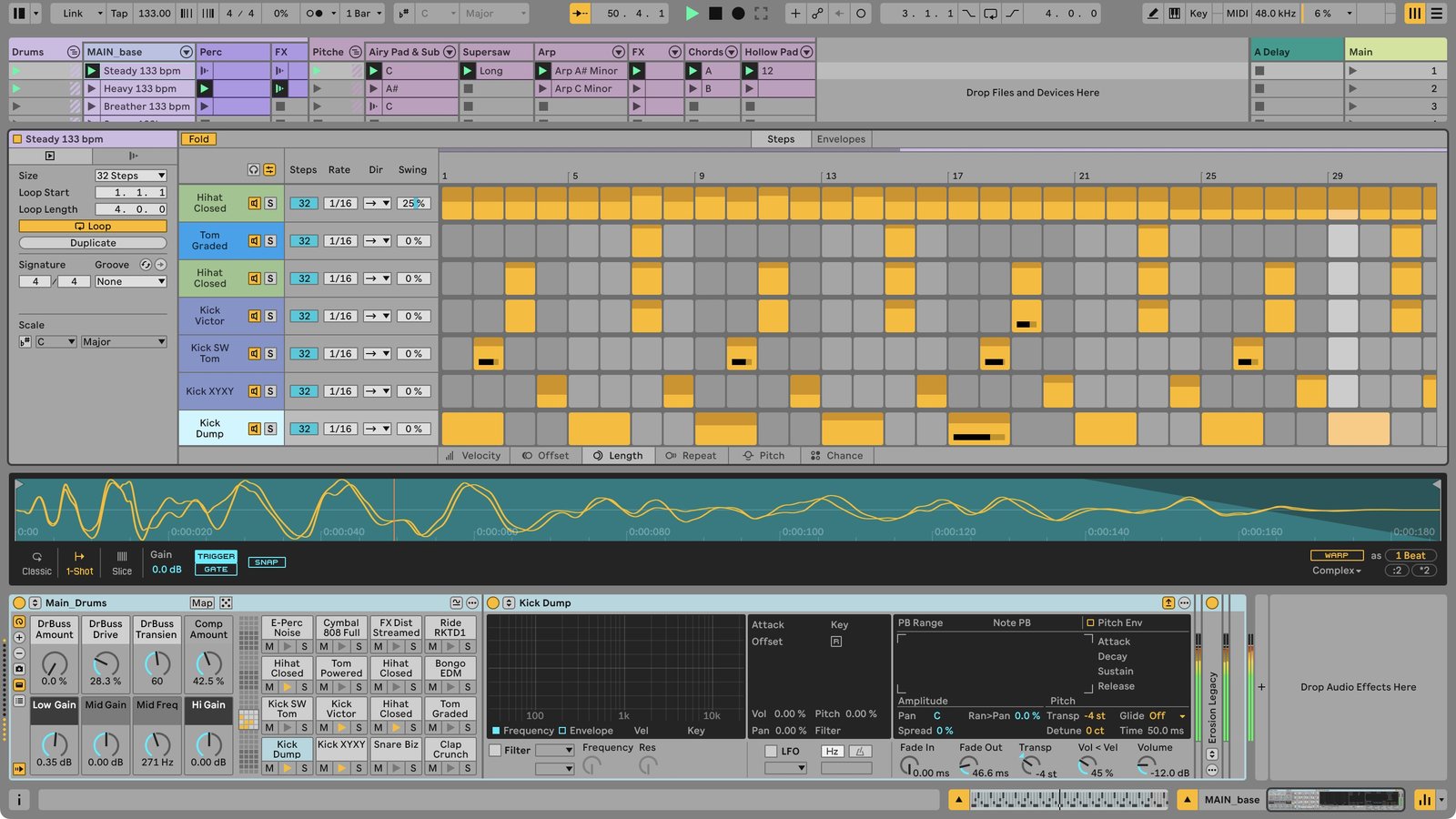
- Step Sequencer. A new clip type, not a separate device. Each row (a Drum Rack pad or a note of a melodic instrument) has its own length, speed, and playback direction, and the pattern can be 8, 16, 32, 64, or 128 steps. Per step you can edit velocity, offset, duration, repeats, pitch, and probability. You create it from the Create menu or with Cmd/Ctrl+Shift+P. If the track has a Drum Rack, double-clicking an empty slot gives you a step clip instead of a regular MIDI one (you can change this in preferences).
- Drum Synth. An instrument with nine categories (Kick, Snare, Rimshot, Hihat, Clap, Tom, Percussion, Cymbal, and FX) and, according to Ableton, more than 20 synthesis engines. It responds to velocity and MPE, and it also works as a monophonic melodic instrument. With its arrival, the old Max for Live DS devices are deprecated: Sets that use them still open, but they no longer show up in the browser.
- Capture Automation. The Capture button (or the N key) no longer just rescues the MIDI notes you played without recording: it also turns the knob, fader, and control movements you made with the mouse, Push, or a MIDI controller into automation. It works on any track, including audio and return tracks.
- Contextual Browsing. A search that opens inside the device chain and filters by context. On an audio track, for example, it only shows audio effects. With keyboard shortcuts you can build a whole chain without touching the main browser.
Mixing and racks: the less flashy side
Here are tools that until now forced you to use third-party plug-ins:
- Multiband Rack and Mid-Side Rack. Two new rack types. The multiband one splits lows, mids, and highs, with minimum-phase or linear-phase crossover filters. The mid-side one processes the center and the sides of the stereo image separately.
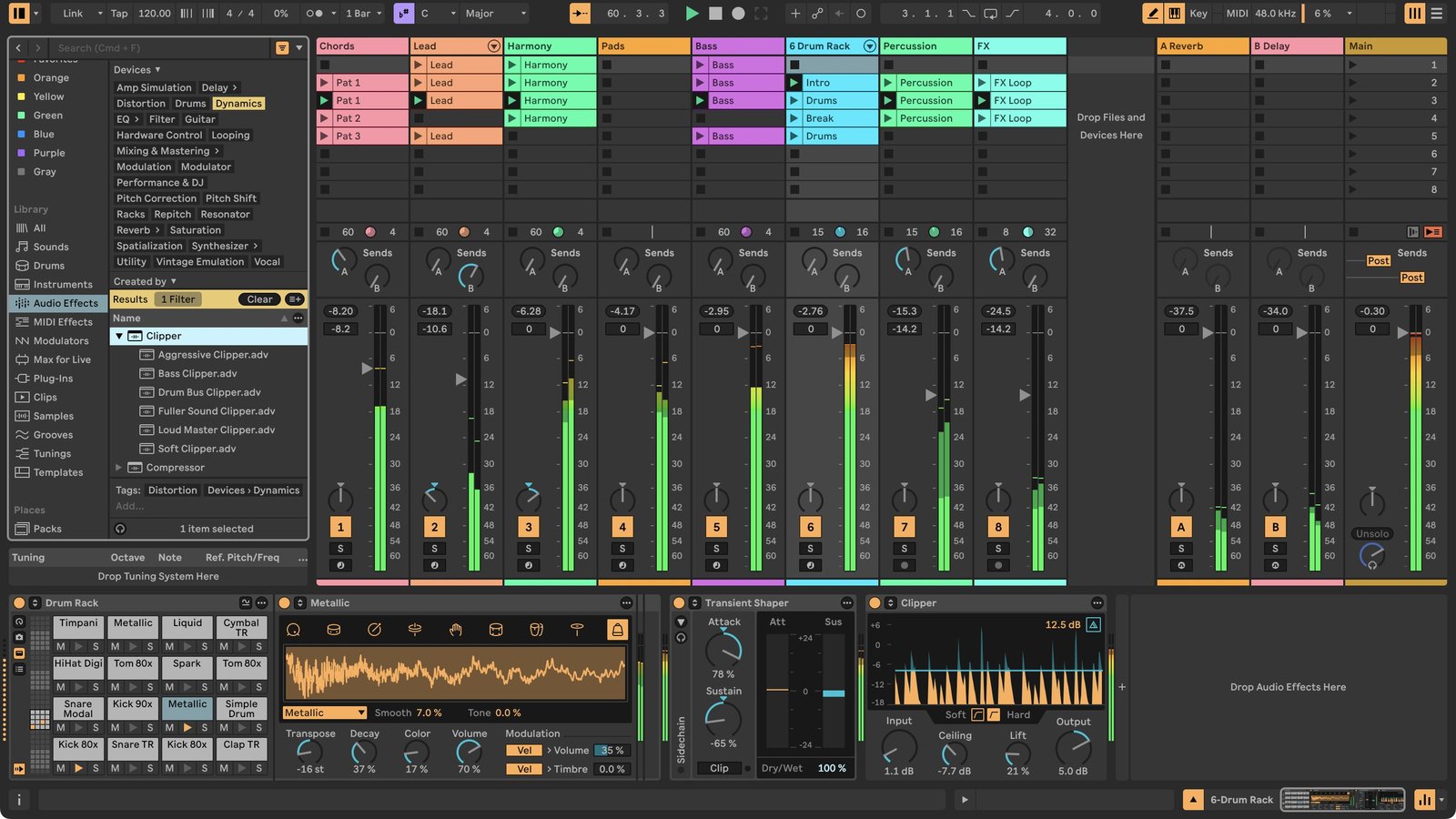
- Clipper and Transient Shaper. Two dynamics effects, exclusive to Suite according to the press release. The Clipper lets you choose a hard or soft curve and has a Delta mode so you can hear only what's being clipped.
- Expanded Macros. Up to 32 per rack, each with its own mapping curve, and they can now also work as modulators instead of direct control.
- Device Slots in the mixer, to see at a glance which devices each track has, and Envelope Clips on return tracks, to change effects per scene from Session View.
- Softube package with five effects for Suite (two FET and optical compressors, plus a British-console-style compressor, EQ, and drive).
ARA 2: the historic debt
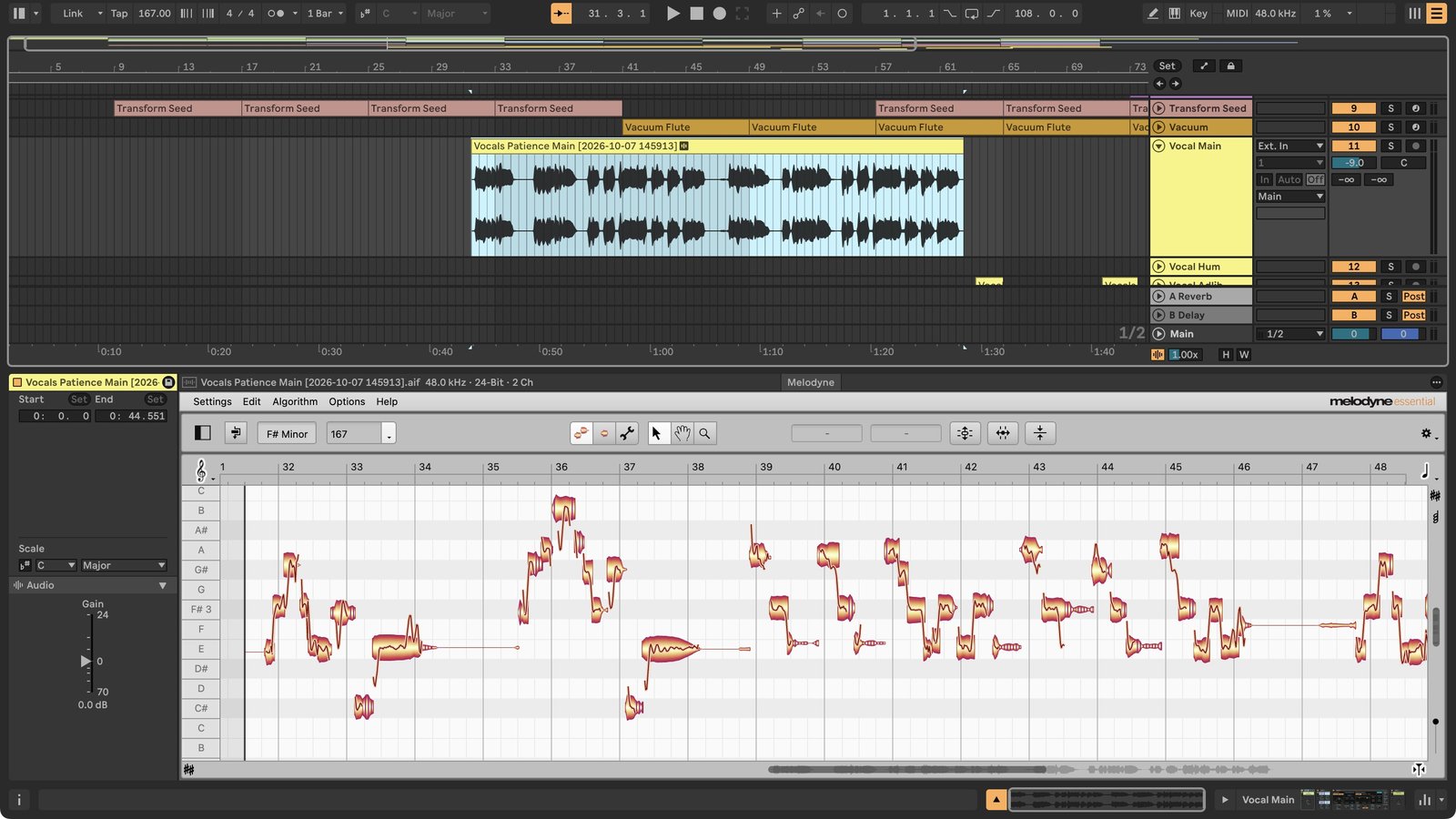
ARA 2 lets plug-ins like Melodyne read and edit the clip's audio directly, without recording it into the plug-in first. It was one of the absences people coming from other DAWs complained about most. Live 13 Suite includes Melodyne Essential. The beta notes list several limitations:
- It only works in Arrangement View, not Session. If you copy a clip with unconsolidated ARA edits into Session, they're lost.
- You use one ARA plug-in at a time, although it can be on several clips and tracks.
- You need to have VST3 sources enabled.
- In this beta, iZotope RX, Celemony Tonalic, and IK Multimedia ReSing don't work, and there are known issues with Antares Auto-Tune Pro, Steinberg WaveLab, SpectraLayers, Acon Acoustica, and Waves Sync Vx.
For the stage: Link and Push
For those who play live, the most interesting novelty may not be the most heavily advertised one. Ableton Link adds an Arrangement transport mode: besides tempo and play/stop, it syncs the Arrangement playback position across connected devices. There's also a Follow Only button so one machine can follow the session without sending changes back.
On Push 3 you get Custom Layouts (combine Session View, note zones, faders, and XYZ controls on the same surface), a Performance Mixer that Ableton describes as designed for DJ sets and dub-style improvisation, and the Step Sequencer on the pads. Push 2 gets the sequencer and almost all the Device Mode improvements, but not Custom Layouts or the Performance Mixer.
How to get into the beta and what to watch out for
The beta is for owners of Standard or Suite licenses of Live 7 through 12, with limited spots: you register on Ableton's Centercode portal and invitations go out gradually. It can't be authorized with Intro or Lite licenses. Ableton is clear about its warnings:
- Sets saved in the beta won't open in earlier versions of Live.
- Usage data collection and automatic updates are always on.
- There's no technical support: bugs are reported on Centercode.
- For critical studio or gig work, the official recommendation is to stay on the stable version.
- The beta leaves out, for now, about 1,700 presets from the Live 12.4 library. Ableton says they'll return in the next beta, in legacy folders.
My take: if you have a gig or a deadline looming, don't even think about it. The beta installs separately and can coexist with Live 12, but a project opened and saved in Live 13 can't go back. The sensible thing is to copy the project before opening it in the beta.
Price and dates
Ableton is offering 20% off all Live 12 licenses and upgrades until Live 13 comes out, and anyone who buys Live 12 in that period gets the equivalent edition of Live 13 for free. Those who already have Live 12 can pre-order Live 13 with the same discount. Push 3, the Push upgrade kit, and Move also have 20% off until November 30.
I haven't tried the beta: everything above comes from Ableton's announcement, the product page, and the version 13.0b25 release notes. What's still unknown is Live 13's final price and its exact release date.
Sources
- Ableton: What's new in Live 13 (página oficial y FAQ)
- Ableton: notas de la versión Live 13 Beta 13.0b25
- Ableton: comunicado de prensa «Explore what's new in Ableton Live 13» (press kit, 10 de noviembre de 2026)
- Ableton: programa de beta
- Ableton Help: Live Beta FAQ
- MusicRadar: Ableton Live 13 is here
- Gearnews: Ableton Live 13: ARA 2, Step Sequencer, New Devices and More